 PalaceGrid
More than one place to be
Keep multiple Palaces open in tabs. Find servers in the live directory, save favorites, and pick up where you left off.
Made for The Palace community
Meet in rooms that feel like you. Download the PalaceGrid client, open a free server, or give your community a chatbot with personality.
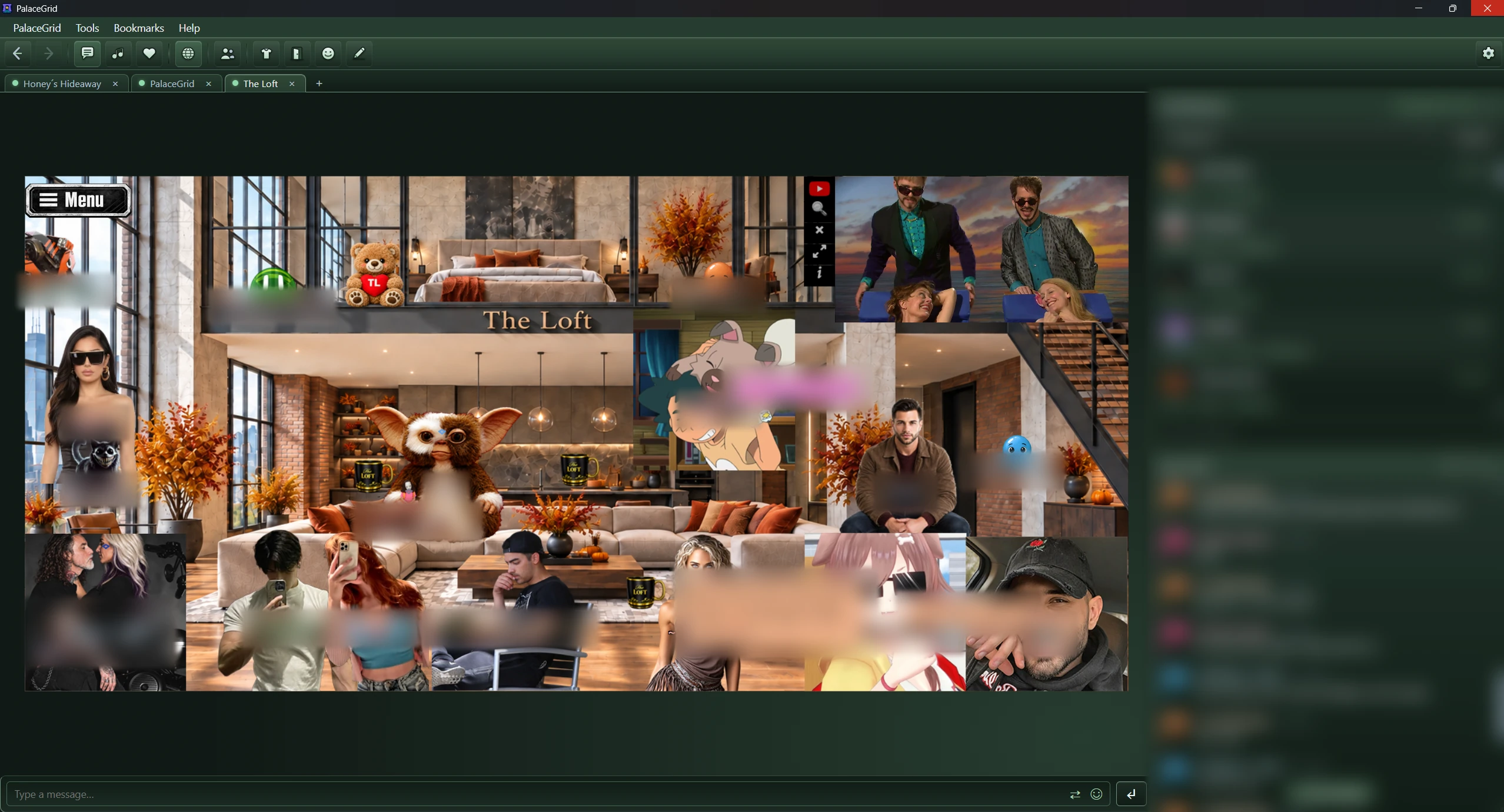
Classic rooms, expressive avatars, and a modern desktop experience.
Open a free Palace server and build a community of your own.
Bring an AI chatbot into your Palace and make it your own.
Step into classic Palace rooms with the tools to chat, create, and make yourself at home. Available for Windows and macOS.
Keep multiple Palaces open in tabs. Find servers in the live directory, save favorites, and pick up where you left off.
Organize your prop bag, import images, and wear animated GIF, WebP, and APNG props. Share your creations in the room.
Paint together, edit doors and spots, reshape hotspots, and work with layers using visual room authoring tools.
Run room and spot scripts, use a personal cyborg.ipt, and trace errors with the script debugger.
Dock or detach the chat log, prop bag, and directories. PalaceGrid remembers how you arrange your workspace.
Talk, whisper, think, or shout. Translate incoming chat while keeping the original message in view.
Free to download, with automatic update checks.
Choose your downloadOpen a free Palace server and give your people somewhere to gather. Manage your Palace from the browser, then bring it to life with your own rooms, media, and props.
Free Palace hosting · Account required
Open the server area and choose Create Account, or sign in to your existing account.
Set up your own server with a PalaceGrid address your community can use to connect.
Use the dashboard to start your Palace, then share its address. Join it with the PalaceGrid client.
Start and stop your server, see online users, manage plugins, and inspect logs from the server area.
Upload images, sounds, and props. Use the client’s authoring tools to create rooms for your community.
Use your own PalaceGrid server address and optionally list your Palace on The Palace Portal.
Bring an AI chatbot into your Palace. Give it a personality, choose how it looks, and tune how it takes part in the room.
Manage your assigned bots with your bot panel account.
Edit your bot’s personality and how it responds. Let it join conversations or respond when its name is mentioned.
Upload avatars, schedule avatar changes, and adjust room movement, following, and other behavior settings.
Start, stop, and restart your bots from the panel. Move them between rooms or send a message through them.
Download PalaceGrid
Choose your platform and join The Palace.
Windows 10 or 11 · 64-bit setup installer
Download for WindowsUniversal DMG · Apple Silicon and Intel
Download for macOSA few useful answers
The Palace is a visual chat world: people meet in rooms, chat, and express themselves through avatars and props. PalaceGrid brings a modern client, server hosting, and chatbot tools to that community.
Download the client for Windows or macOS, open it, and choose a Palace from the server directory or connect using a server address. You only need a server account if you want to create and manage your own Palace.
Yes. PalaceGrid offers free Palace hosting. Open the server area, choose Create Account or sign in, and create your Palace from the dashboard.
The client is the app you use to visit Palace rooms. A bot is an AI character that participates in a room. Its personality, avatars, and behavior are managed separately in the bot panel.
Sign in to the bot panel with your bot account to manage the bots assigned to you. The server area and bot panel have their own sign-in pages.
The published client installers are currently unsigned, so your operating system may ask you to confirm the app before opening it. Download from the linked official GitHub releases and follow the official installation instructions.
PalaceGrid checks for published client updates when it starts. Visit the release history for the latest changes, installers, and previous versions.